


A awesome theme for awesome people ⚡️
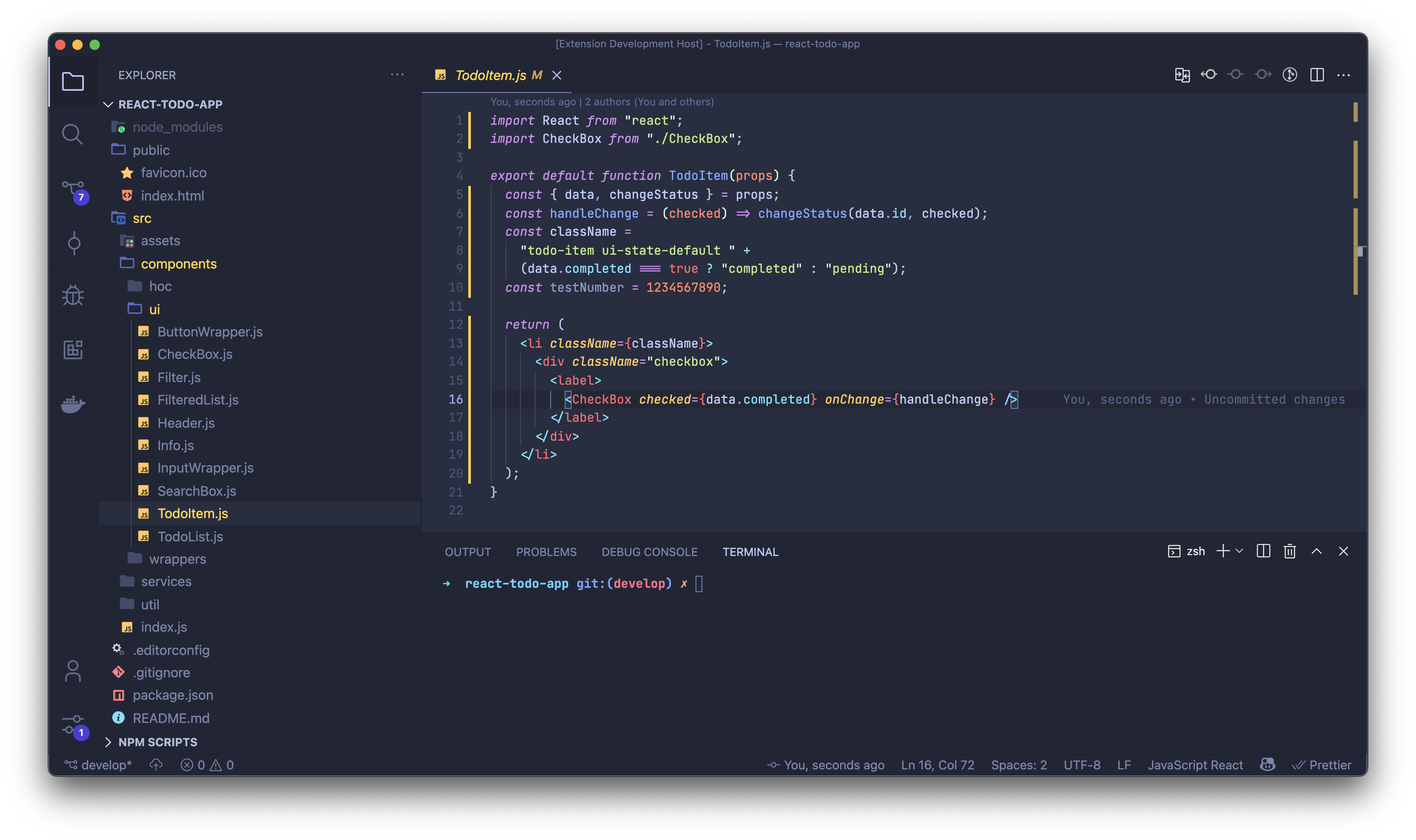
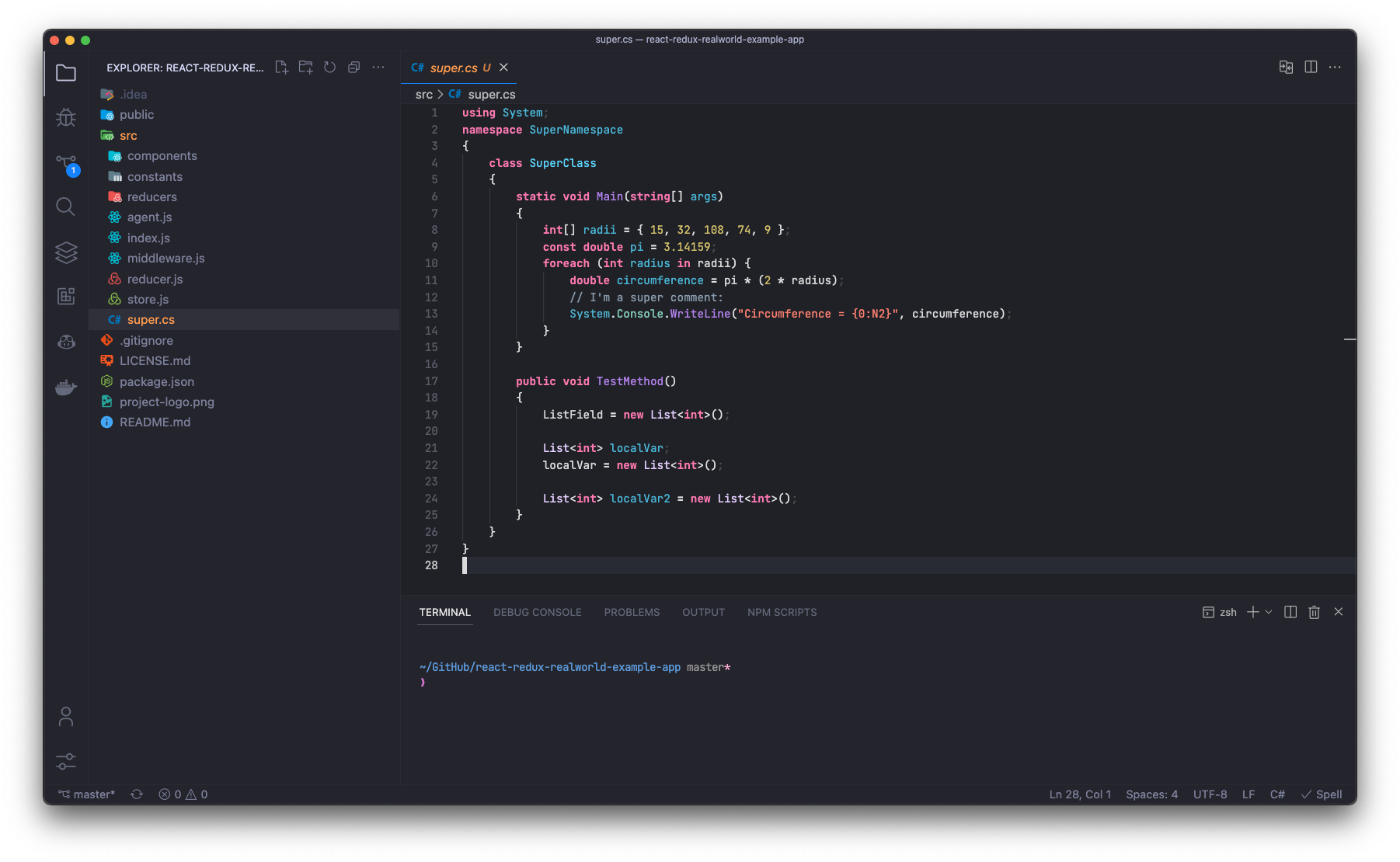
- Folder icons: @Material Theme Icons - Palenight - not included
- Product icons: @Carbon Icons - not included
1. Search for "Palestorm" in VS Code Extensions, select "Palestorm" by Alexander Alekseenko
2. Click Install
3. Go to Preferences > Color Theme and select Palestorm
Thank you Olaolu Olawuyi 👍