
Note
sepal-ui has been renamed to pysepal. pysepal 4.0 removed the sepal_ui
compatibility package: import sepal_ui no longer works, use import pysepal.






Currently translated in the following languages:
| English | Français | Español | 中国人 |

|

|

|

|
You can contribute to the translation effort on our crowdin project.
pysepal is a UI toolkit for building ipyvuetify and Solara dashboards, with first-class integration for the SEPAL platform. It ships components for mapping (ipyleaflet), AOI selection, Google Earth Engine session handling, notifications, exports, theming, and i18n — usable in any Jupyter or Solara context, and tightly wired into SEPAL when you run there.
The full documentation is available here. Working demo apps live in demo_apps/ and run under both Solara and Voila:
./run_solara.sh demo_apps/gallery.py --port 8901We are happy to receive feedback and we welcome any kind of contribution.
 |
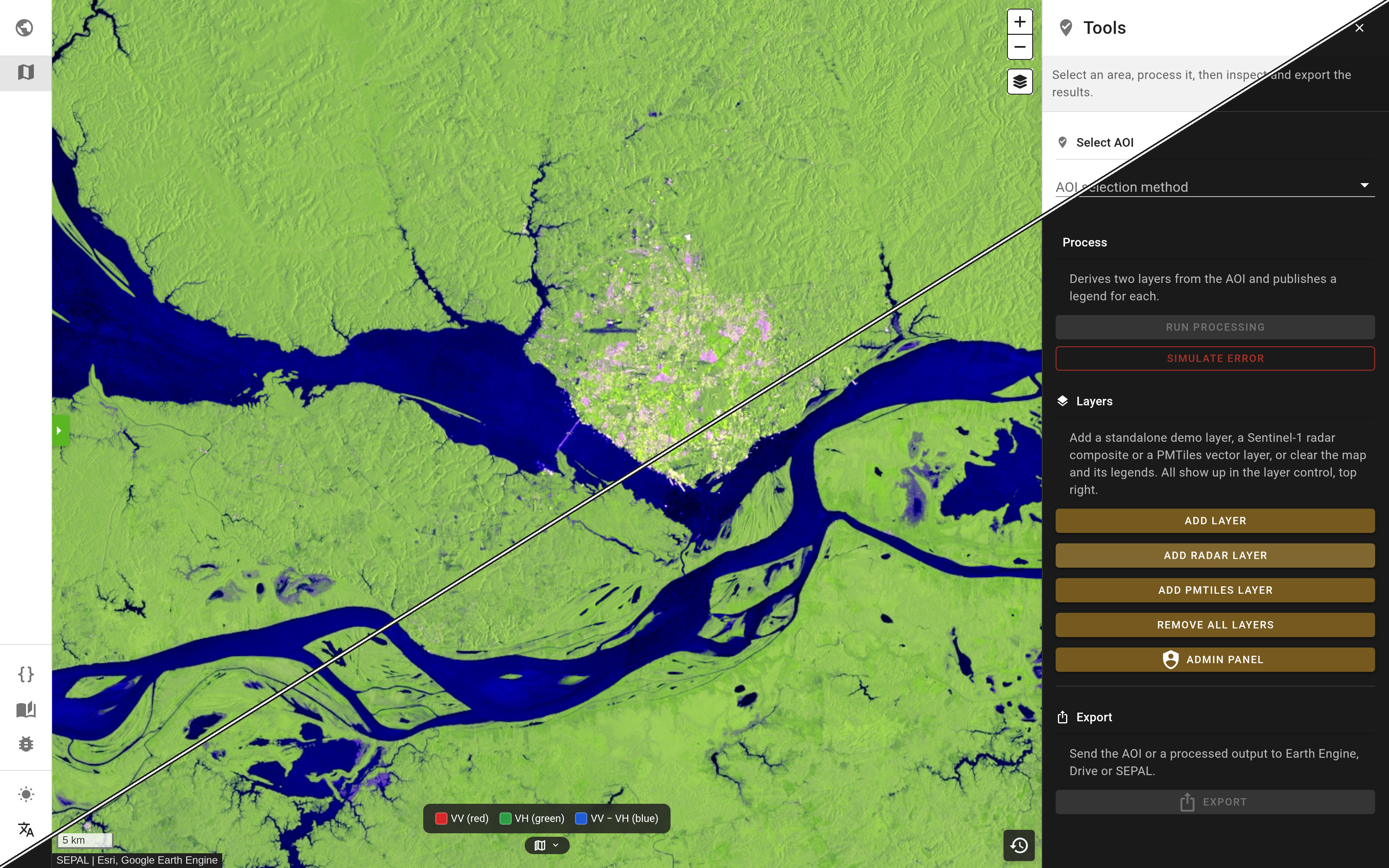 |
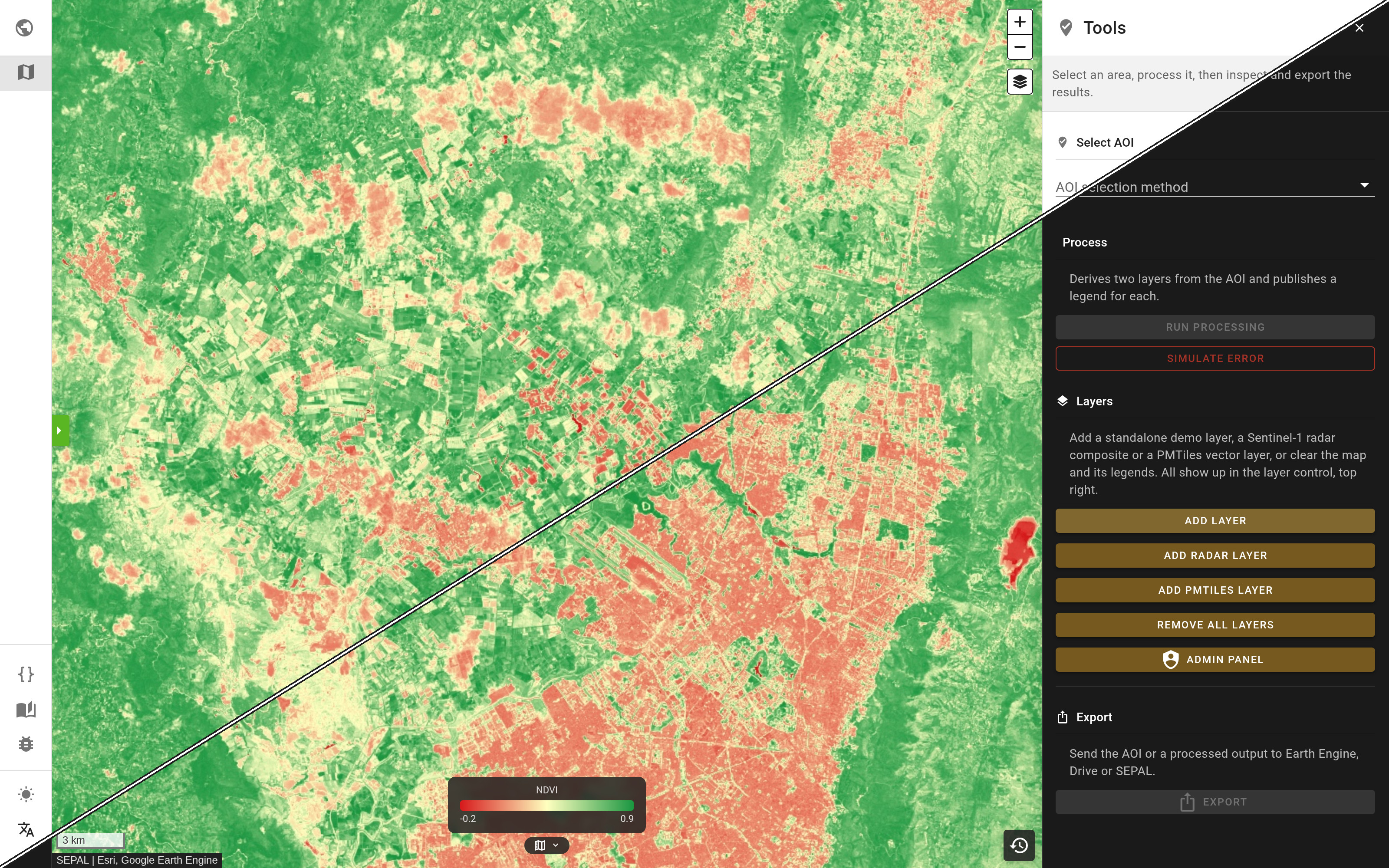
| Sentinel-2 NDVI in the map demo, with its gradient legend, in the light and dark themes. | Sentinel-1 VV / VH / VV−VH composite over the river confluence at Manaus. |
This repository is also a Claude Code plugin marketplace that ships two skills: pysepal, the library's patterns and known error fixes, and pysepal-app, which scaffolds a SEPAL app. Install it at project scope from inside your app repository, then commit the .claude/settings.json it writes so every developer of the app gets the same skills:
claude plugin marketplace add openforis/pysepal --scope project
claude plugin install pysepal@pysepal --scope project
The plugin version follows the pysepal release it documents and updates once per session. Details in skills/README.md.
If you want to contribute you can fork the project in you own repository and then use it. If you consider working with us, please follow the contributing guidelines.
Meet our contributor.