
Nvmm is a sweet Neovim GUI for Mac with GPU text rendering and native Mac look and feel.
It comes bundled with nvim and a CLI helper called nvmm.
Nvmm runs on macOS 15.7+ and Apple Silicon.
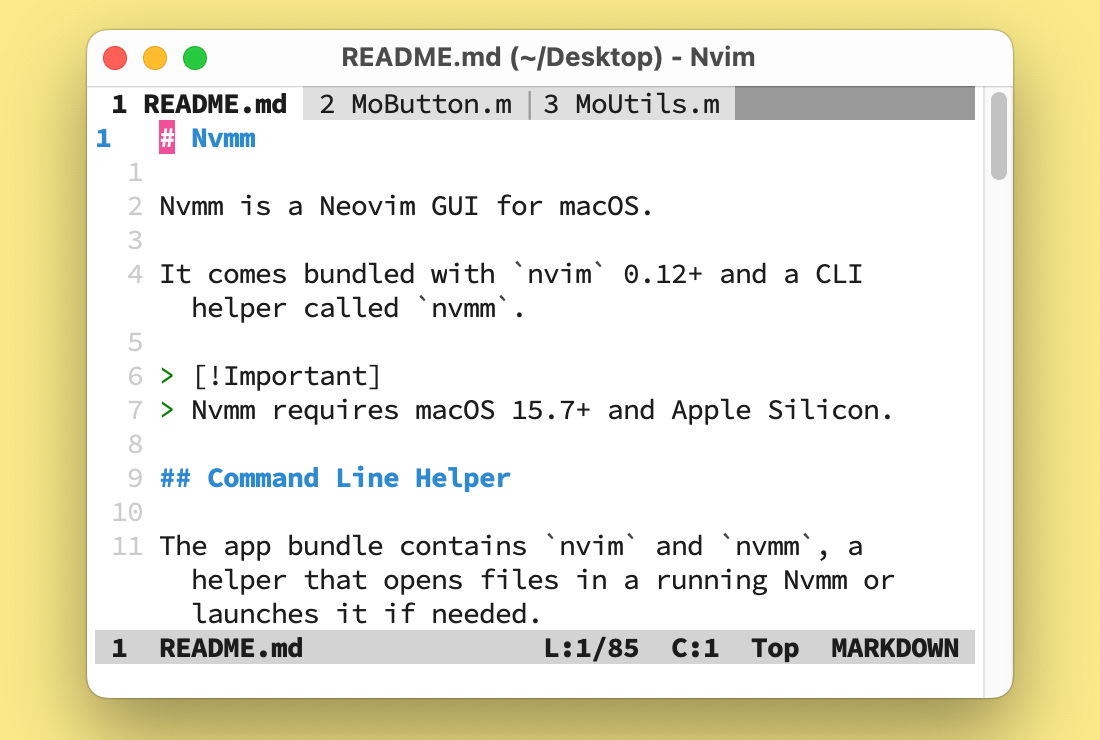
It works well with Nvmm's option to prefer buffers over tabs.
Pre-built releases are published on the GitHub Releases page.
See Nvmm Documentation.
By default, the app gets an ad-hoc signature. No Apple Developer account is required.
First, download Neovim 0.12 or newer. The build copies it into the app. Then build the app:
Scripts/download_nvim.sh v0.12.6
xcodebuild -configuration Release
The app is built at:
build/Release/Nvmm.app
Updates use Sparkle. A stripped-down build of it is committed at Frameworks/Sparkle.framework. To rebuild it from a Sparkle release:
Scripts/build_sparkle.sh 2.10.0The app uses its bundled Neovim unless you choose another one in Settings. See Choosing a Neovim.
Run the tests with:
xcodebuild -project Nvmm.xcodeproj -scheme Nvmm \
-destination platform=macOS testTo sign with your own Apple Developer team, copy the example signing file:
cp Config/Signing.local.xcconfig.example \
  Config/Signing.local.xcconfig
Then edit Config/Signing.local.xcconfig and replace XXXXXXXXXX with your team ID. As provided, it signs Debug with Apple Development. To sign Release with Developer ID, uncomment its Release lines. Keep each setting's [config=...] part so it only affects that configuration. Any configuration you leave out keeps the ad-hoc signature.
Git ignores this file. Set up signing there, not in Xcode's Signing & Capabilities editor, because Xcode saves those choices in the shared project file.
Nvmm is an experiment in coding with LLM agents. It was made with lots of help and inspiration, most especially from Claude, Codex, Ghostty, MacVim, Neovide, Neovim for macOS, VimR and, of course, The Beatles.
Nvmm is available under the MIT License. See LICENSE.md.