A 2D game engine written in C++.
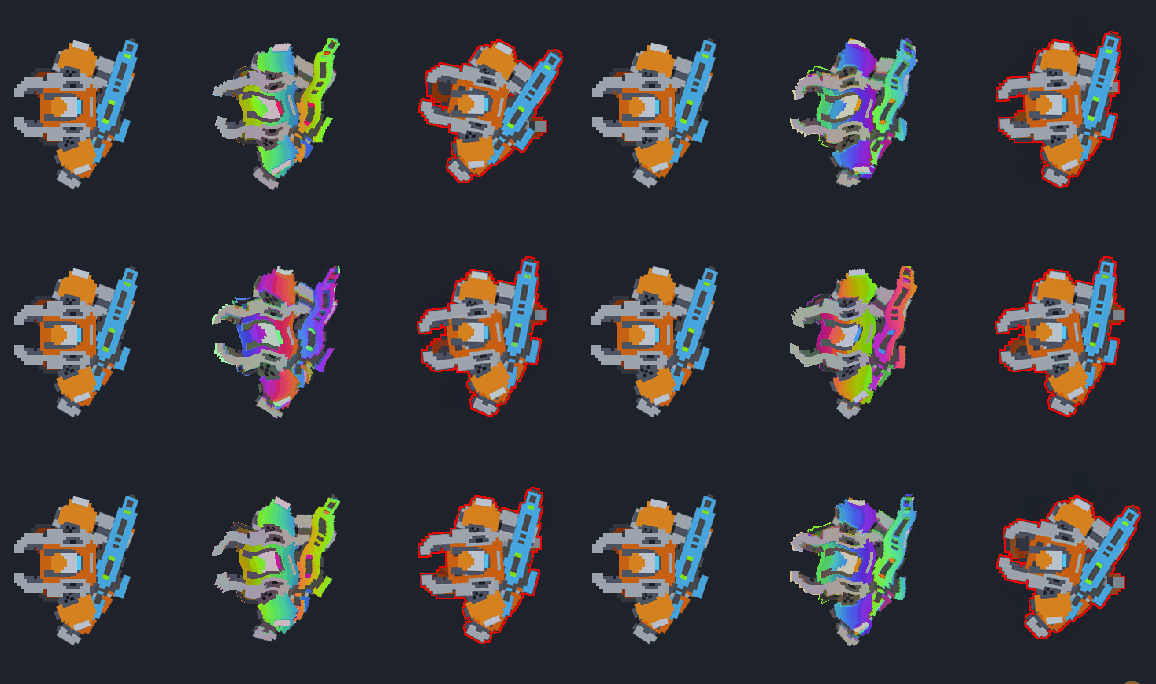
Project dependencies are downloaded and linked automatically via vcpkg and CMake.
A C/C++ compiler with C++20 support (e.g. MSVC, GCC, or Clang)
- Clone the
vcpkggit repository.
git clone https://github.com/microsoft/vcpkg.git $HOME\.vcpkg
- Run the
vcpkgboostrap script.
cd $HOME\.vcpkg
.\bootstrap-vcpkg.bat
- Set the
VCPKG_ROOTenvironment variable and add it toPATH.
$env:VCPKG_ROOT = "$HOME\.vcpkg"
$env:PATH = "$env:VCPKG_ROOT;$env:PATH"
Note
Setting environment variables in this manner only affects the current terminal session. To make these changes permanent across all sessions, set them through the Windows System Environment Variables panel.
- Open a new terminal and verify.
vcpkg --version
Go to cmake.org and download the x86-x64 Windows installer.
The cmake environment variable will be configured automatically.
- Install prerequisites.
sudo apt update
sudo apt install build-essential cmake ninja-build pkgconf curl zip unzip tar
- Install dependencies for building
SDL3from source.
On Linux SDL3 requires additional features for integration with the desktop stack - sdl3[core,ibus,x11,wayland,alsa].
In order for vcpkg to build them from source you need to install additional dependencies.
sudo apt install python3 python3-venv python3-pip
sudo apt install autoconf autoconf-archive automake libtool
sudo apt install libibus-1.0-dev
sudo apt install libx11-dev libxext-dev libxrandr-dev libxinerama-dev libxcursor-dev libxi-dev libxfixes-dev libxrender-dev libxss-dev libxxf86vm-dev libxtst-dev
sudo apt install libwayland-dev wayland-protocols libxkbcommon-dev libegl1-mesa-dev libdecor-0-dev
sudo apt install libasound2-dev libpulse-dev libpipewire-0.3-dev libjack-jackd2-dev
- Clone the
vcpkggit repository.
git clone https://github.com/microsoft/vcpkg.git ~/.vcpkg
- Run the
vcpkgboostrap script.
cd ~/.vcpkg
./bootstrap-vcpkg.sh
- Set the
VCPKG_ROOTenvironment variable and add it toPATH.
echo 'export VCPKG_ROOT="$HOME/.vcpkg"' >> ~/.bashrc
echo 'export PATH="$VCPKG_ROOT:$PATH"' >> ~/.bashrc
- Reload and verify.
source ~/.bashrc
vcpkg --version
- Install prerequisites.
xcode-select --install
brew install cmake ninja pkgconf
- Clone the
vcpkggit repository.
git clone https://github.com/microsoft/vcpkg.git ~/.vcpkg
- Run the
vcpkgboostrap script.
cd ~/.vcpkg
./bootstrap-vcpkg.sh
- Set the
VCPKG_ROOTenvironment variable and add it toPATH.
echo 'export VCPKG_ROOT="$HOME/.vcpkg"' >> ~/.zshrc
echo 'export PATH="$VCPKG_ROOT:$PATH"' >> ~/.zshrc
- Reload and verify.
source ~/.zshrc
vcpkg --version
Configure with the preset for your toolchain, build, then run the executable.
The *-editor presets build the in-process editor and boot into it by default, in their own build folder.
# Configure (pick one preset)
cmake --preset debug-msvc-editor      # Windows / MSVC
cmake --preset debug-gcc-editor       # Linux / GCC
cmake --preset debug-clang-editor     # macOS / Clang

# Build
cmake --build --preset debug-msvc-editor-x64      # debug-gcc-editor-x64, debug-clang-editor-arm64-osx, ...

# Run (boots into the editor)
./build/debug/windows-msvc-editor/Debug/hob2d.exe

# Edit a specific game project (bare name, or a path relative to the repo root)
./build/debug/windows-msvc-editor/Debug/hob2d.exe --project sandbox
The plain presets build the runtime only, which launches straight into the game.
# Configure (pick one preset)
cmake --preset debug-msvc      # Windows / MSVC
cmake --preset debug-gcc       # Linux / GCC
cmake --preset debug-clang     # macOS / Clang

# Build
cmake --build --preset debug-msvc-x64      # debug-gcc-x64, debug-clang-arm64-osx, ...

# Run (no arg loads the default project, 'sandbox')
./build/debug/windows-msvc/Debug/hob2d.exe

# Run a specific game project (bare name, or a path relative to the repo root)
./build/debug/windows-msvc/Debug/hob2d.exe --project sandbox
The editor can also be enabled per run on any build with the --editor flag.
The engine loads one game project from content/projects/<name>/ at launch. The bundled sample is
content/projects/sandbox/. Set the build's default game at configure time with -DHOB_PROJECT=<name>,
or select it at runtime with --project <name> (a bare name resolves under content/projects/).